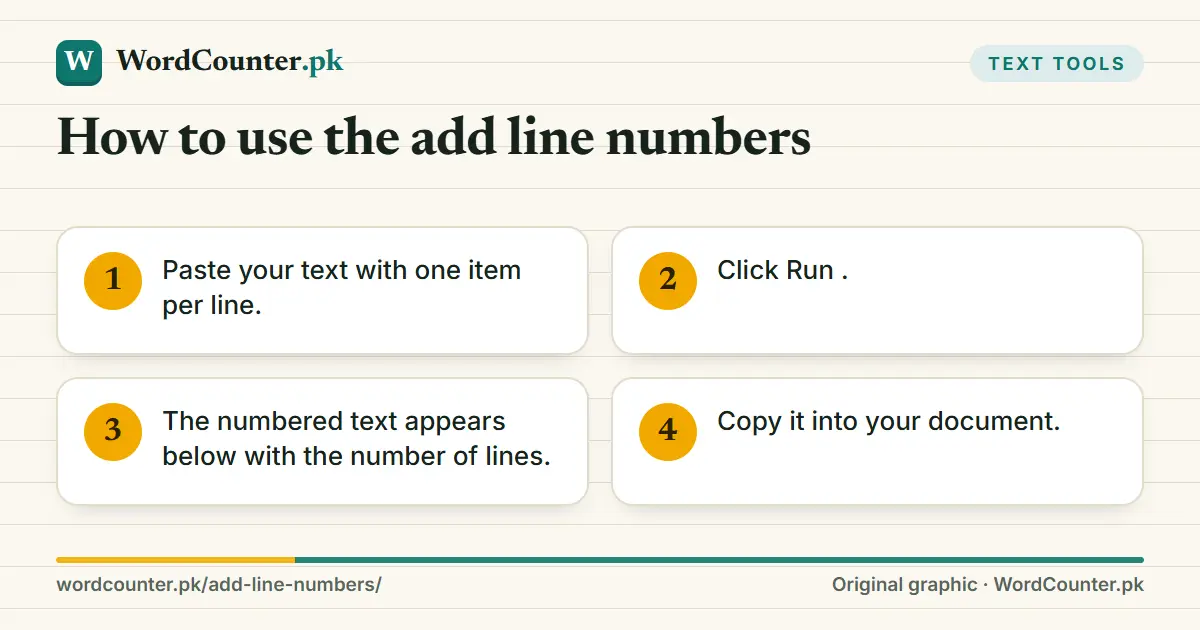
How to use the add line numbers
- Paste your text with one item per line.
- Click Run.
- The numbered text appears below with the number of lines.
- Copy it into your document.

When numbered lines help
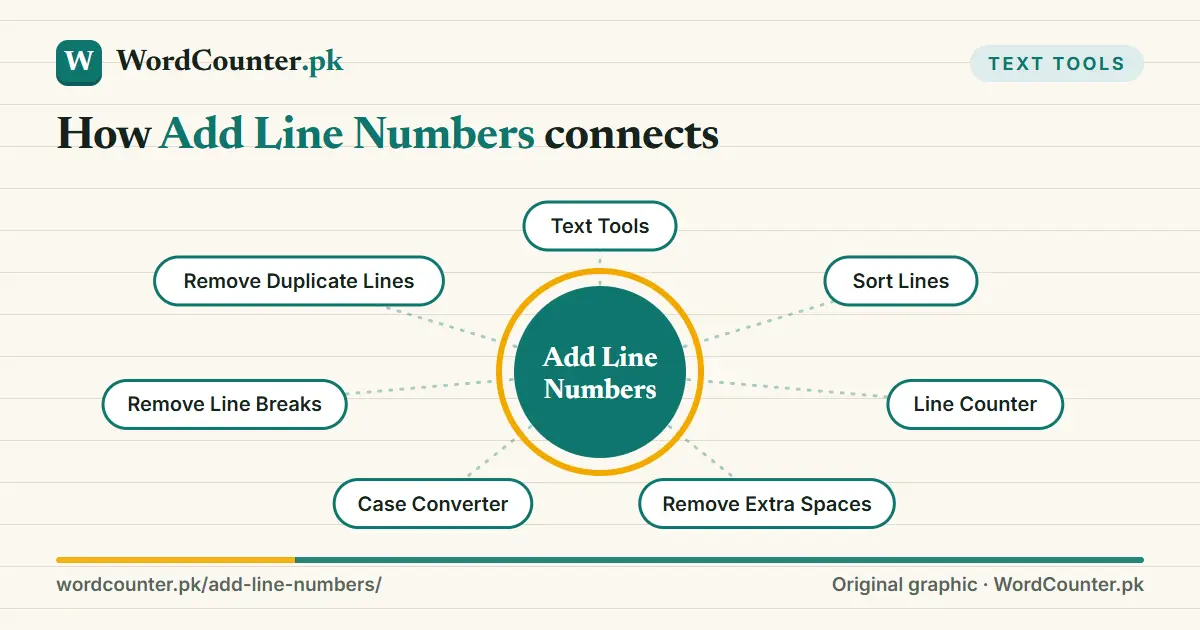
Legal and academic texts refer to line numbers; poems and plays are cited by line; code review comments refer to lines; subtitle and caption files are checked line by line. Numbering also makes it easy to confirm the number of items in a list, which you can double-check with the Line Counter.
The numbers are added as plain text followed by a full stop and space, so they will not update if you later edit the text. Sort or clean the list first, using Sort Lines or Remove Duplicate Lines.
Numbering and structure
Blank lines are numbered too, so remove them first with Remove Extra Spaces if you only want numbered items. For long documents with headings and sections, consider the word-processor’s own numbered lists. To number poetry lines in Urdu, the Urdu Line Counter gives the total count.
Frequently asked questions
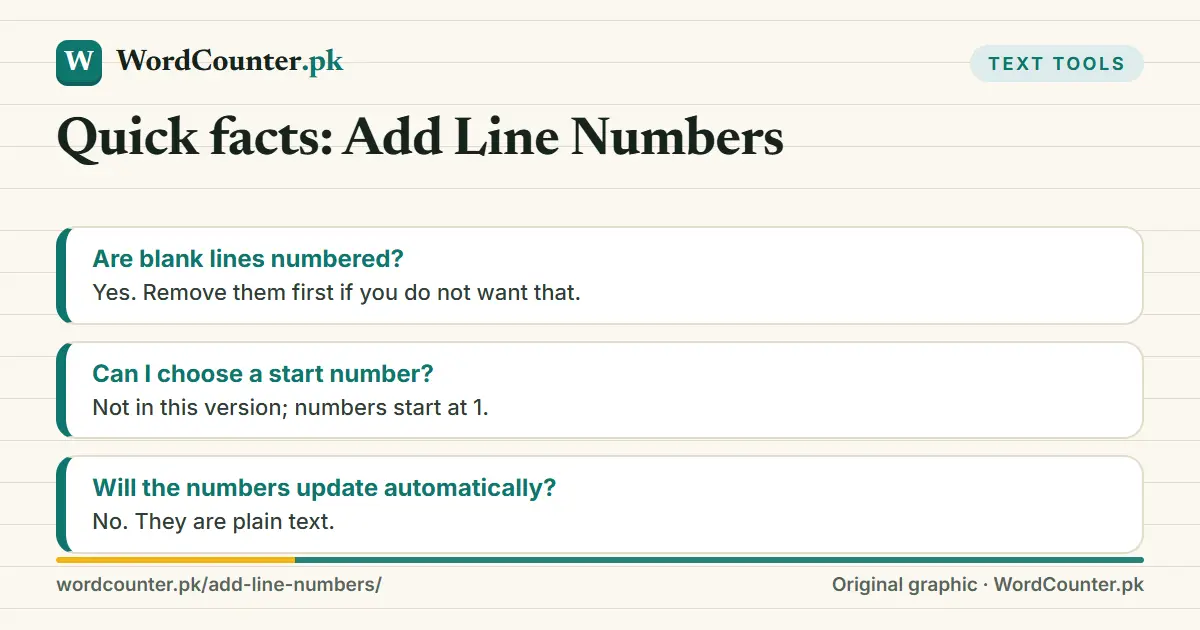
Are blank lines numbered?
Yes. Remove them first if you do not want that.
Can I choose a start number?
Not in this version; numbers start at 1.
Will the numbers update automatically?
No. They are plain text.