How to use the byte counter
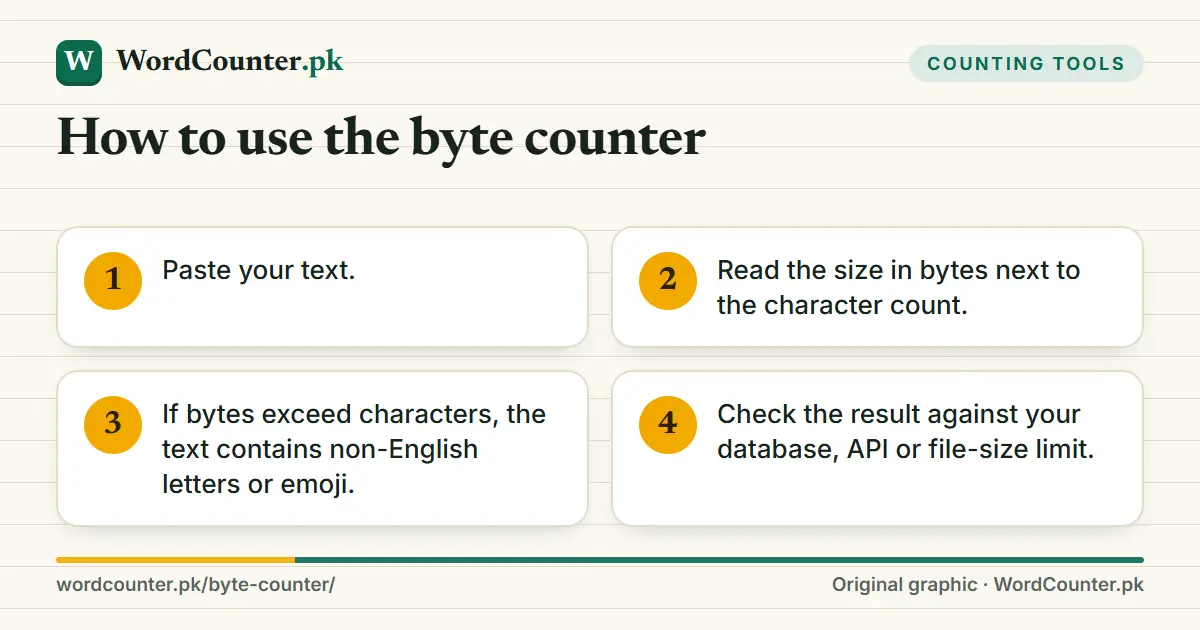
- Paste your text.
- Read the size in bytes next to the character count.
- If bytes exceed characters, the text contains non-English letters or emoji.
- Check the result against your database, API or file-size limit.
Characters versus bytes
UTF-8, the dominant text encoding on the web, stores each character in one to four bytes. Basic English letters and digits use one, most Arabic-script letters, including Urdu, use two, many symbols use three and emoji use four. A message of 100 Urdu characters therefore occupies roughly 200 bytes. This is why systems that limit storage in bytes behave unexpectedly with non-English text, while systems that limit characters do not.
The Character Counter reports characters; this tool reports their storage size. The relationship is explained in How Many Bytes Is a Character?.
When byte size matters
- Database columns and API fields defined in bytes.
- Filename and URL length limits.
- QR code and NFC tag capacity.
- SMS: encoding decides whether 160 or 70 characters fit in a part; see the SMS Character Counter.
Counts here assume UTF-8 and no byte-order mark. Other encodings, such as UTF-16, use different sizes.
Frequently asked questions
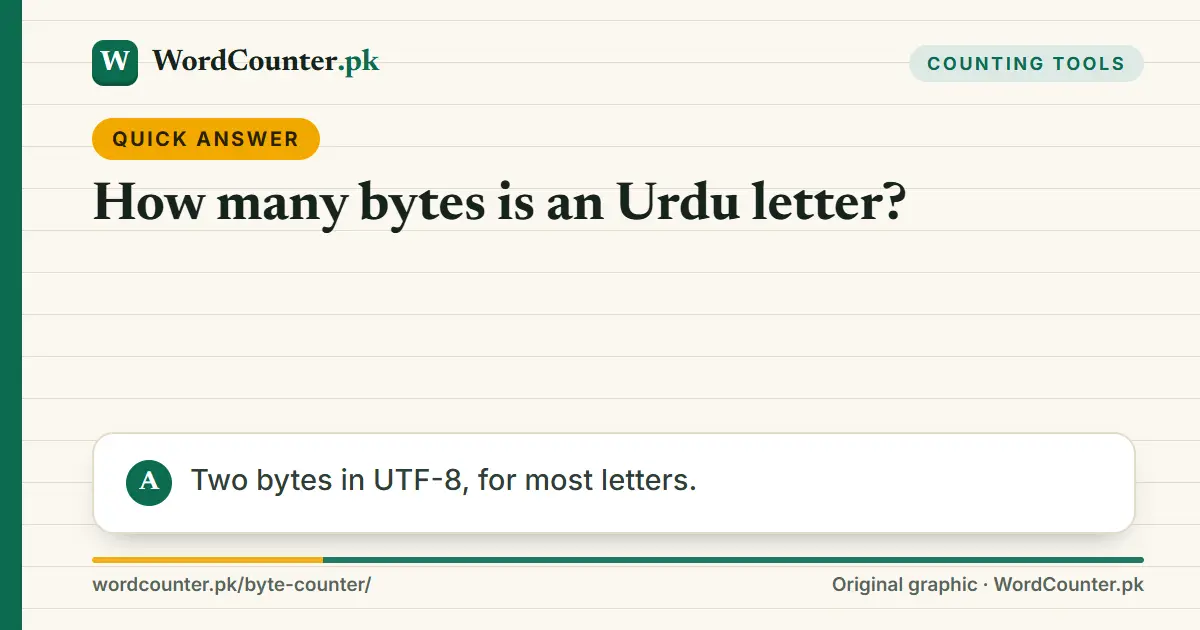
How many bytes is an Urdu letter?
Two bytes in UTF-8, for most letters.
How many bytes is an emoji?
Usually four, and more for sequences like skin-tone or family emoji.
Is a kilobyte 1,000 or 1,024 bytes?
This tool shows exact bytes, so the question does not matter. Storage vendors often use 1,000; operating systems often use 1,024.