How to use the anchor text counter
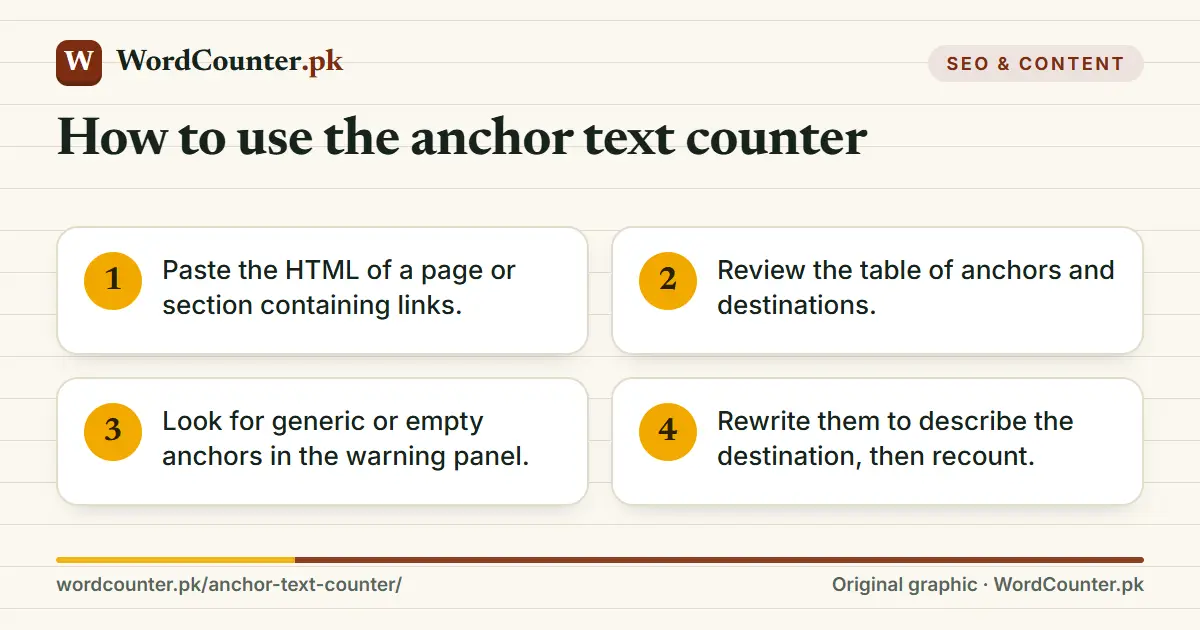
- Paste the HTML of a page or section containing links.
- Review the table of anchors and destinations.
- Look for generic or empty anchors in the warning panel.
- Rewrite them to describe the destination, then recount.
Why anchor text matters
Anchor text tells readers and search engines what to expect at the destination. “Character counter” says far more than “click here”. For screen reader users, who often navigate by listing links, generic anchors are meaningless out of context. For internal linking, descriptive anchors that vary naturally help search engines understand relationships between pages; this site’s own pages use contextual anchors throughout.
Aim for anchors of two to five words that match the destination’s topic. Avoid stuffing exact-match keywords in every link; natural variation reads better and looks safer.
Auditing a page
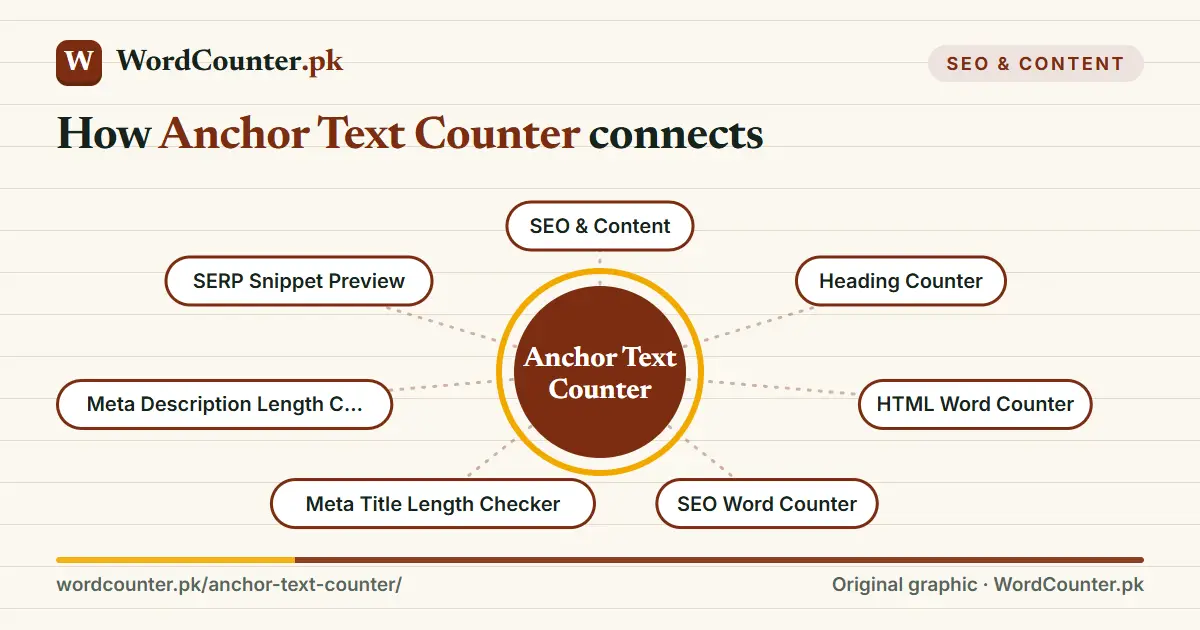
Run the analysis on a template’s main content, not the navigation, if you are checking editorial links. Duplicate anchors that point to different URLs create ambiguity. Combine this with the Heading Counter for structure and the HTML Word Counter for visible length when auditing a page.
Frequently asked questions
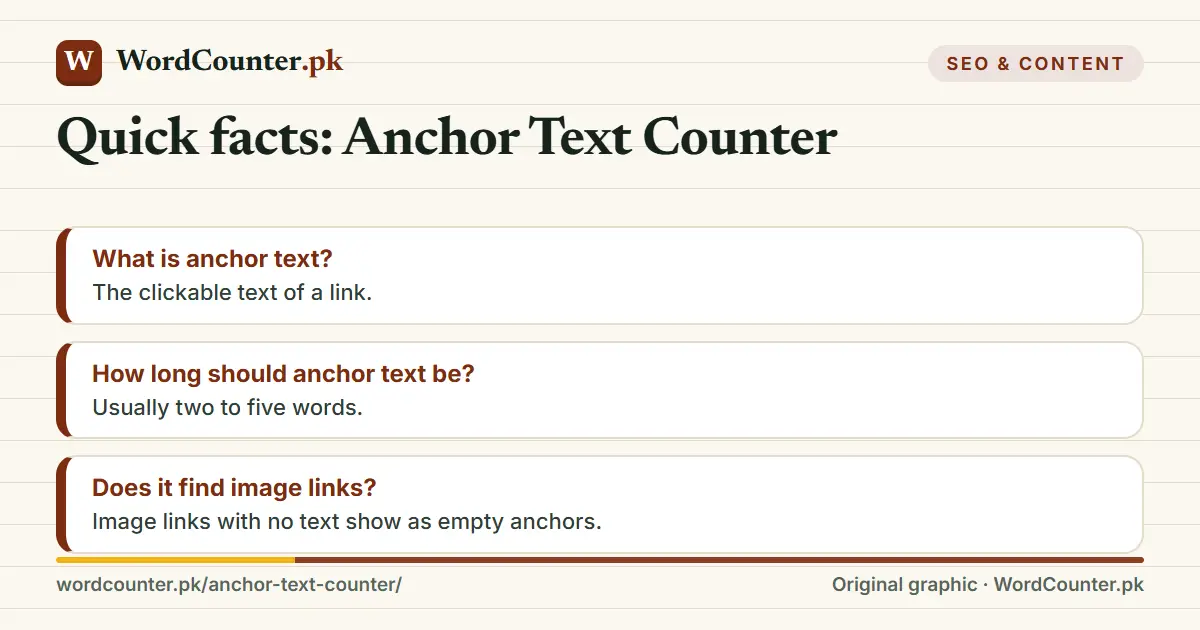
What is anchor text?
The clickable text of a link.
How long should anchor text be?
Usually two to five words.
Does it find image links?
Image links with no text show as empty anchors.