How to use the assignment word counter
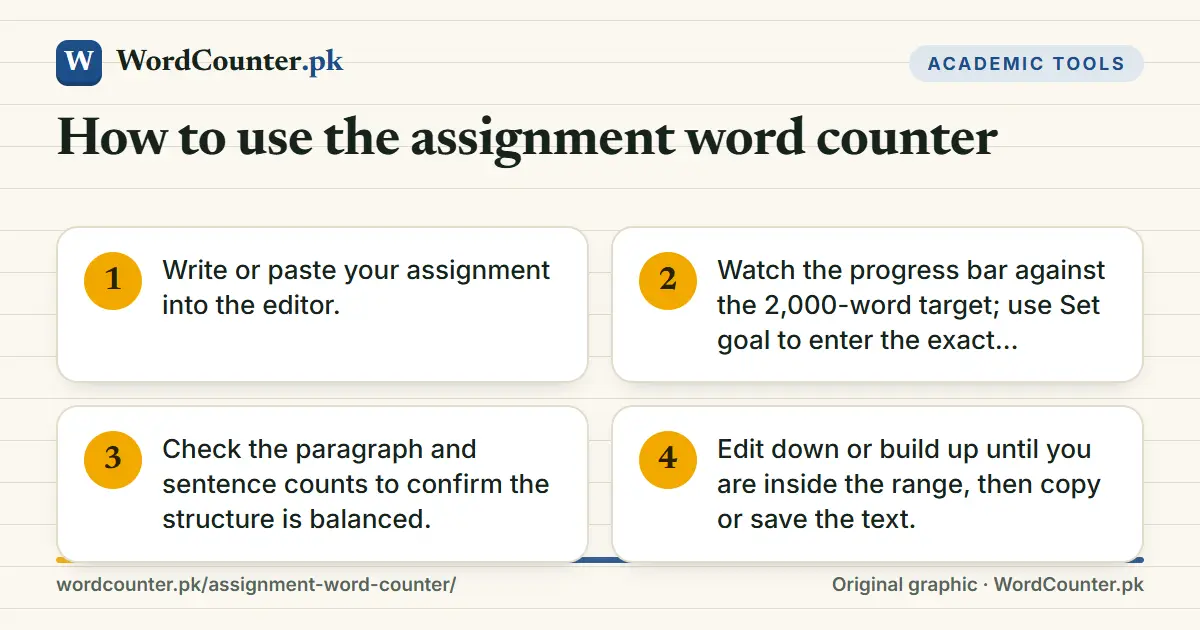
- Write or paste your assignment into the editor.
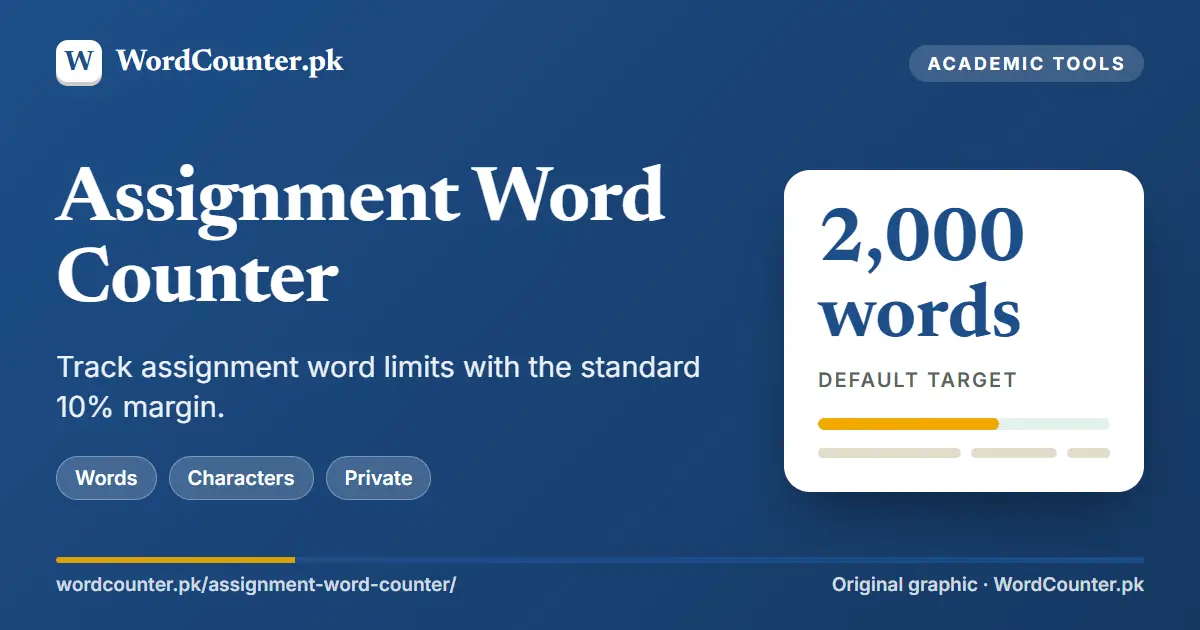
- Watch the progress bar against the 2,000-word target; use Set goal to enter the exact number in your brief.
- Check the paragraph and sentence counts to confirm the structure is balanced.
- Edit down or build up until you are inside the range, then copy or save the text.
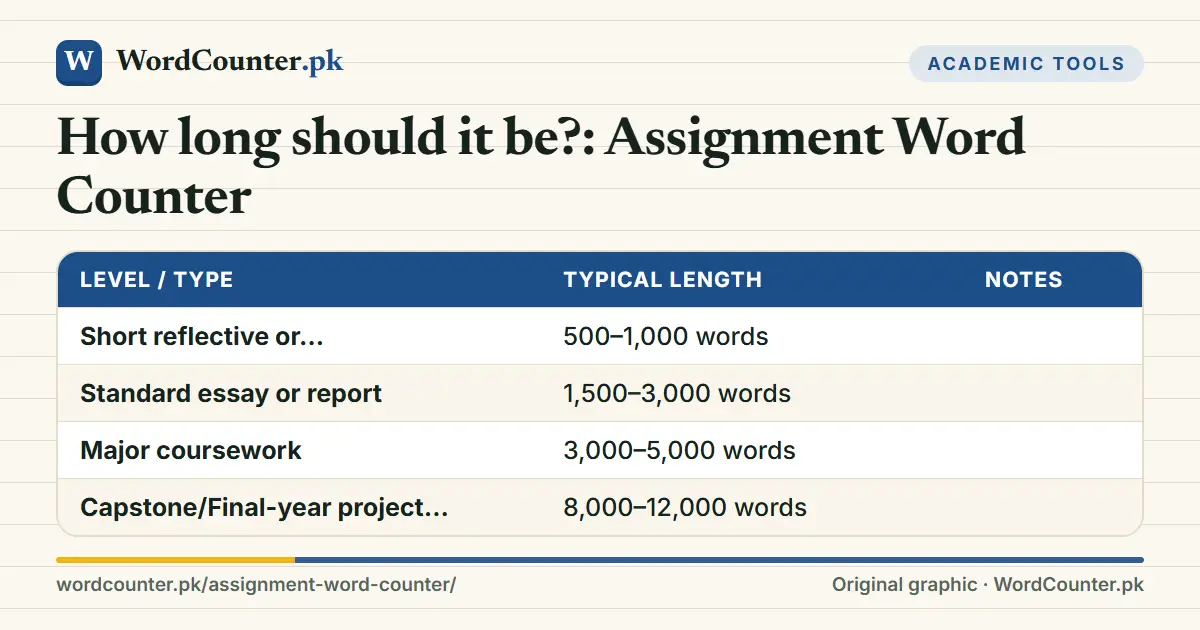
How long should it be?
| Level / type | Typical length | Notes |
|---|---|---|
| Short reflective or discussion task | 500–1,000 words | |
| Standard essay or report | 1,500–3,000 words | |
| Major coursework | 3,000–5,000 words | |
| Capstone/Final-year project report | 8,000–12,000 words |
Lengths here are common expectations, not rules. Your brief, supervisor or awarding body sets the real requirement, including what is excluded from the count.
Read the word-count rules
Always check what the limit includes. Common exclusions are the title page, abstract, contents, reference list, bibliography and appendices; common inclusions are in-text citations, headings and quotations. Some departments count footnotes. If your brief is unclear, ask the module leader in writing and keep the reply.
Planning to the limit
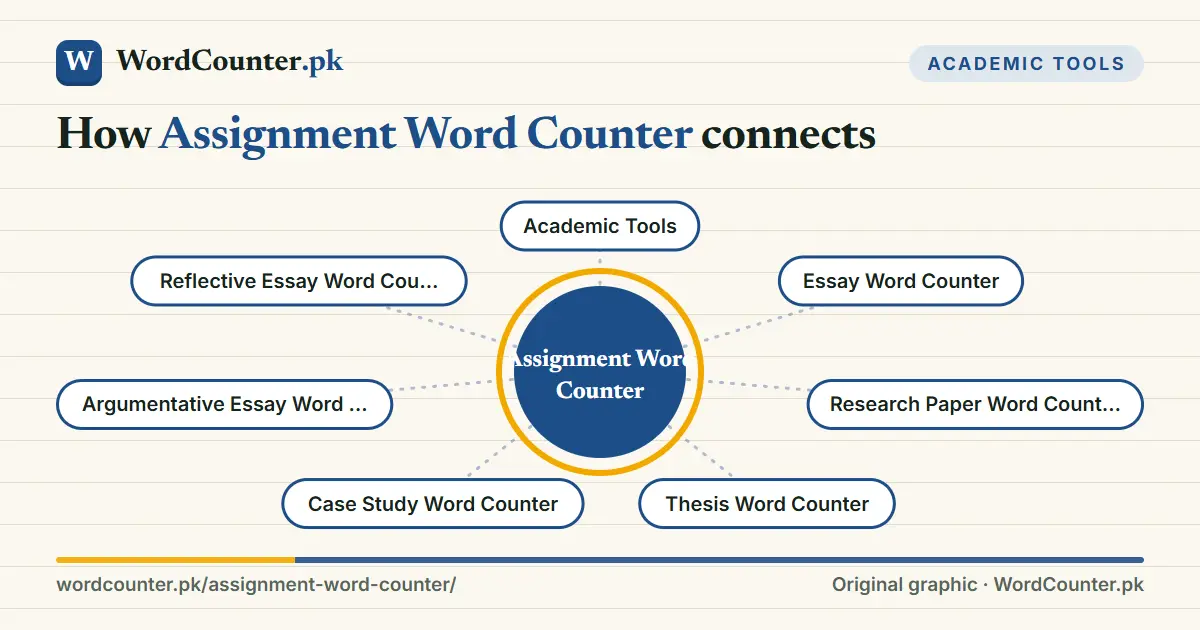
Divide the limit across sections before you write. For a 2,000-word assignment, a plan of 200 introduction, 1,600 across four main sections and 200 conclusion keeps the work balanced. Track as you go with the Content Brief Word Counter, which shows words per heading. If you run over, the cut list in How to Reduce Word Count is the quickest fix.
Frequently asked questions
Can I go over the word limit?
Many institutions allow up to 10 percent over; beyond that, marks may be deducted. Check your rules.
Do references count?
Usually not, but in-text citations often do.
Is the count in Word the same as this one?
It may differ by a few words; the submission system’s figure is final.