SEO & Content

Alt Text Character Counter

0Characters
0Words
Limit0%
125 characters limit
PrivateNothing leaves your browser.

Alt text describes an image to people who cannot see it. Write it here and keep it concise: around 125 characters is a common upper guide, and longer descriptions belong in the page text.

  • 100% free
  • Private: runs in your browser
  • No sign-up
  • Live results
  • Updated

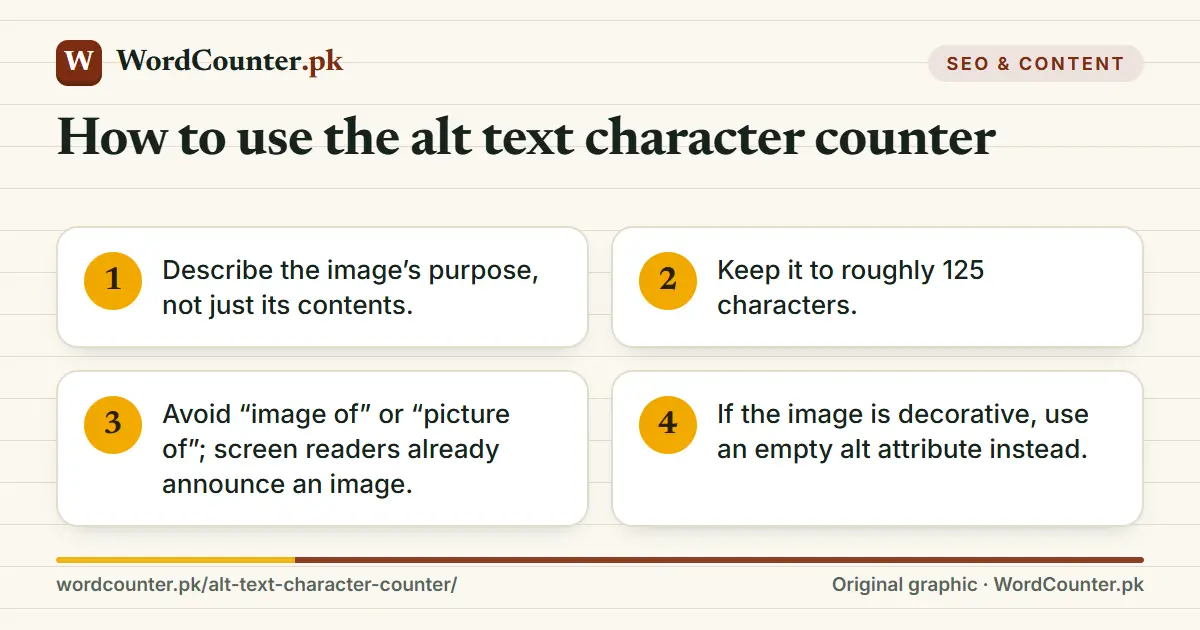
How to use the alt text character counter

  1. Describe the image’s purpose, not just its contents.
  2. Keep it to roughly 125 characters.
  3. Avoid “image of” or “picture of”; screen readers already announce an image.
  4. If the image is decorative, use an empty alt attribute instead.
Alt Text Character Counter: Keep image alt text concise: about 125 characters or fewer. (WordCounter.pk cover graphic)
Alt Text Character Counter on WordCounter.pk: Alt text describes an image to people who cannot see it. Write it here and keep it concise: around 125 characters is a common upper guide, and longer descriptions…

Writing useful alt text

Good alt text conveys the same information the image gives sighted users, in the context of the page. For a product photo, name the product and a distinguishing feature; for a chart, state the main finding and put the data in a table nearby; for a logo link, describe the destination. Some screen readers pause or cut long alt text at about 125 characters, which is why that figure is a rule of thumb, not a standard.
How to use the alt text character counter: Describe the image’s purpose, not just its…; Keep it to roughly 125 characters.; Avoid “image of” or “picture of”; screen…
How to use the alt text character counter — 4 steps at a glance.

Alt text also helps search engines understand images, but write for people first. Keyword lists are unhelpful and may be treated as spam.
Platform limits: Alt Text Character Counter: reference table with columns Where, Limit, Notes
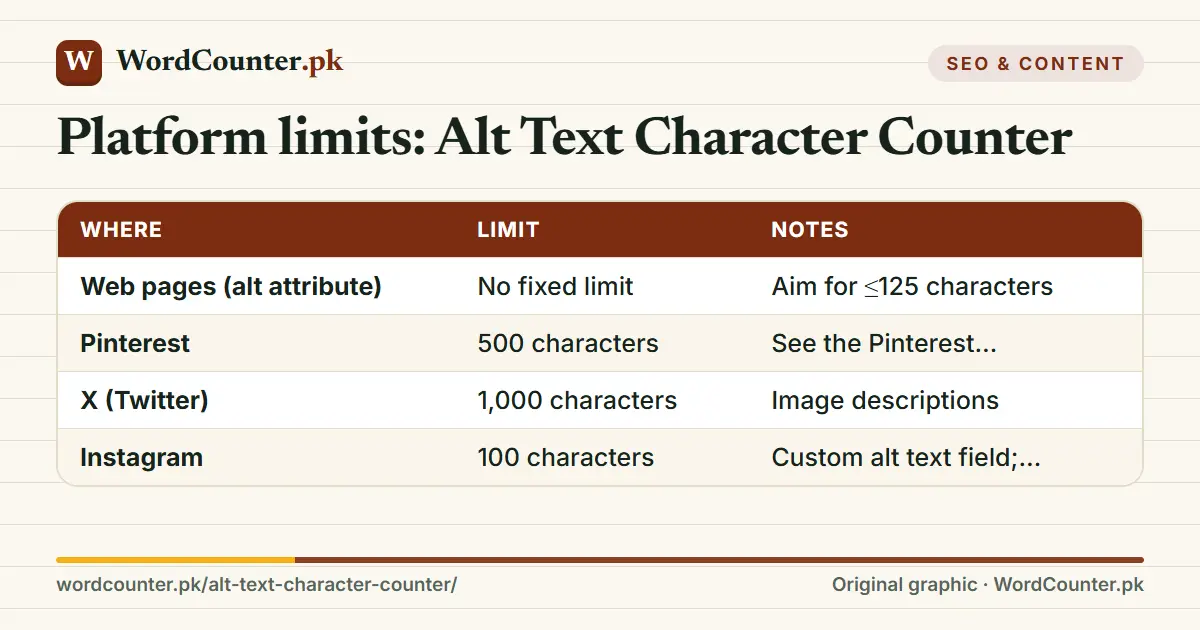
Platform limits: Alt Text Character Counter — the numbers and rules used by this page.

Platform limits

WhereLimitNotes
Web pages (alt attribute)No fixed limitAim for ≤125 characters
Pinterest500 charactersSee the Pinterest Description Character Counter
X (Twitter)1,000 charactersImage descriptions
Instagram100 charactersCustom alt text field; verify in the app
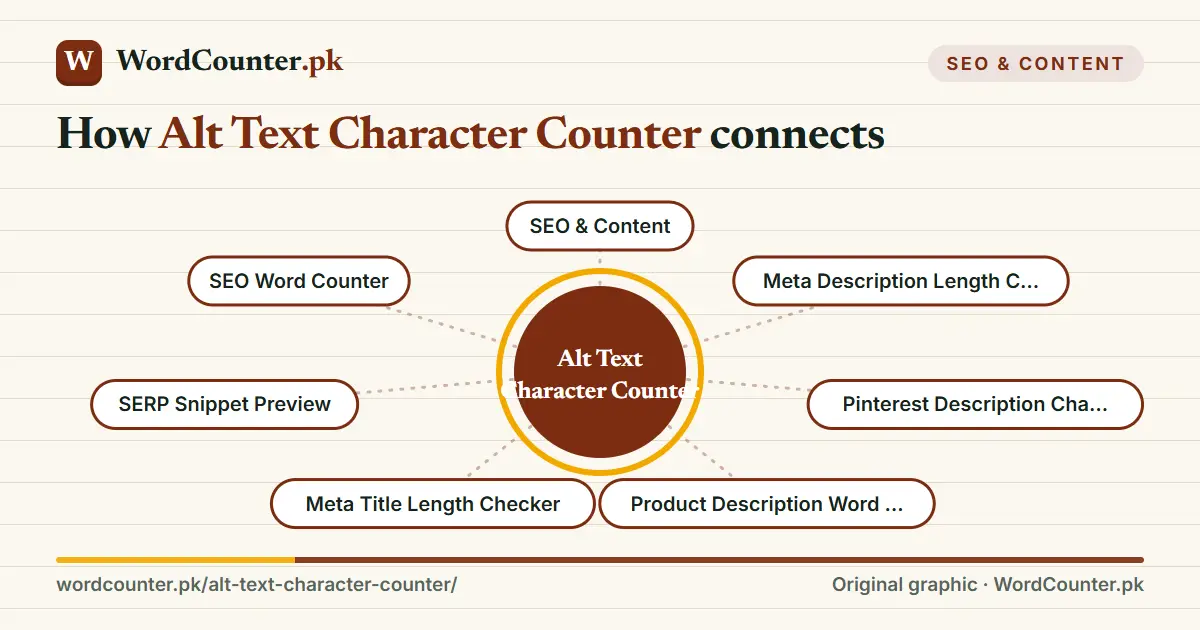
Map showing how Alt Text Character Counter connects to SEO & Content, Meta Description Length Checker, Pinterest Description Character Counter, Product Description Word Counter and more on WordCounter.pk
Where Alt Text Character Counter sits in the WordCounter.pk topic map, and the pages most closely related to it.

Limits change, so check the platform. For other metadata lengths see the Meta Description Length Checker.
Quick answer card: How long should alt text be? Around 125 characters or fewer.
How long should alt text be? Around 125 characters or fewer.

Frequently asked questions

How long should alt text be?

Around 125 characters or fewer.

Should I start with “image of”?

No.

What about decorative images?

Use an empty alt attribute so screen readers skip them.